
For coaches
Deliver your coaching program online
Give clients lessons, worksheets, and a clear program to follow, and track their progress as they go.
Create free courseNo credit card required

Why coaches use Courselink
Invite-only access
Keep your coaching content private. Manually invite clients through your dashboard, so only approved students can access your material.
Structured programs
Organize your coaching material into courses and chapters. Guide clients through your program step by step with a clear lesson flow.
Progress tracking
See which clients have completed which lessons. Track progress across your coaching program and follow up with those who fall behind.
Professional presentation
Your coaching site looks modern and clean, no DIY design needed. You can also run it on a domain you own for a fully branded experience.
How coaches use Courselink
Support clients between sessions
Record lessons your clients can review between sessions, and attach the worksheets and PDFs that go with them. Reduce repetitive explanations by pointing clients to the right lesson on your course site.
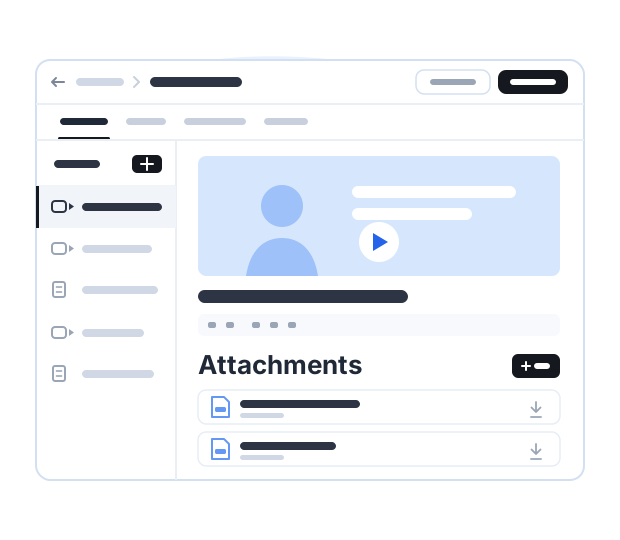
Run group programs
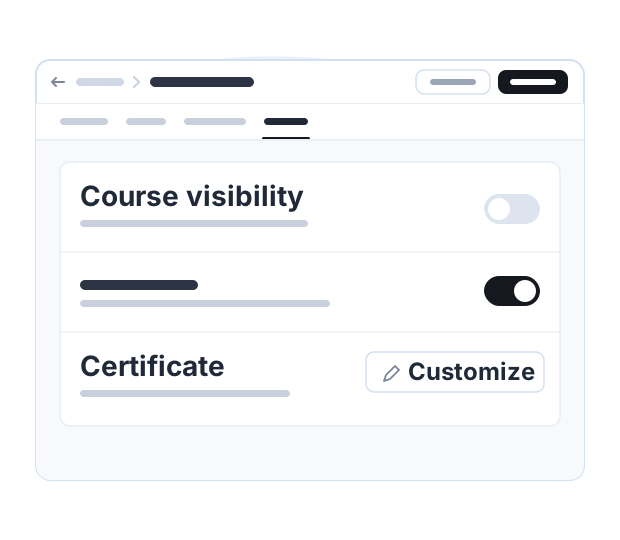
Invite a group to a private course with lessons and worksheets they can complete between coaching sessions. Issue a certificate of completion when they finish. Courselink holds the material, not the live calls: run those wherever you run them now.
Sell self-paced programs
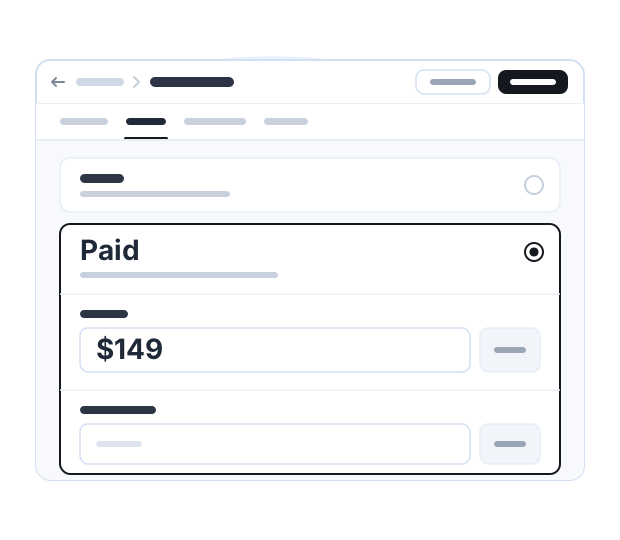
Sell recorded lessons as a self-paced program. Set a one-time price with an optional sale price, offer coupon codes, and let students work through your material on their own schedule.
How it fits around a session
-
Before the session
Send your client the lesson that covers what you would otherwise explain live. The worksheet is attached underneath it.
-
While they work
They watch the lesson and hand in the assignment. Submissions arrive in your dashboard beside the student who sent them.
-
In the session
Open their progress, see which lessons are done, and spend the hour on what they got stuck on rather than on the basics.
Five courses a coaching practice can run
The first-session course
The six things you explain to every new client. Send it before you meet and start the relationship further along.
A self-paced version of your signature program
The same material, without the calls, at a price that suits people who cannot afford your 1-to-1 rate.
The pre-work
The assessment, the worksheet and the reading a client should finish before each block of sessions.
A cohort program
One intake, one private course, everyone moving through the same lessons between group calls.
A refresher for past clients
What people forget three months later, as a short course you can sell again to a list you already have.
Plans for independent coaches
Build your program first, then pick the plan that fits when you are ready to sell or invite clients.
Coaching questions
Yes. An invite-only course stays off your public catalog and you add clients yourself from your dashboard, so only the people you approve get in.
No. Courselink holds the recorded material, the worksheets and the progress. Run your calls wherever you run them now and use the course for everything between them.
Yes. Give a self-paced program a one-time price, with an optional sale price and coupon codes, and it can sit on the same site as your invite-only courses. Courselink takes 0% of the sale.
Yes. Attach PDFs, worksheets and slides to the lesson they belong to. Clients hand work back as assignments, which collect in your dashboard.
More questions? Visit our Help Center
Build your coaching course
Record the parts you repeat in every session and give clients one place to work through them.
Create free course- Free to build
- No credit card
- 0% commission